Are you looking for the best places to hire WordPress developers? WordPress is a popular platform, and you’ll find thousands of people offering WordPress development services. Not all of them have the same skill set, experience, and expertise. In this article, we will show you the best places to hire WordPress developers with the right skills and experience for the job.

Why and When You Need to Hire a WordPress Developer
WordPress is quite easy to use and most people don’t need to hire anyone to create a website. However, as your website grows, your costs increase as well. See how much does it really cost to build a WordPress website for more details.
Many small businesses can run successfully by applying the DIY approach. They can also keep the cost low by using as many free tools and plugins as possible.
Once your website starts making money, you may consider building a custom WordPress theme or custom plugins. In that case, you’ll need to look for a developer to help you get the job done, the right way.
Let’s take a look at the best places to hire WordPress developers.
1. Codeable
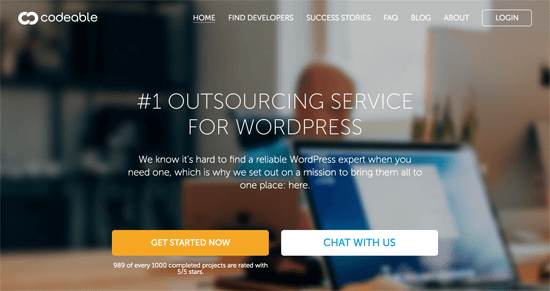
Codeable is the #1 outsourcing platform for WordPress related work. Unlike other outsourcing platforms, Codeable pre-screen each developer and make sure that they pass a strict vetting process.
Your work with Codeable experts is 100% risk-free! Codeable stands behind you and will provide a full refund if you are not satisfied with the results.
This is why Codeable is our top recommendation for businesses who’re looking for WordPress outsourcing help.
2. Toptal
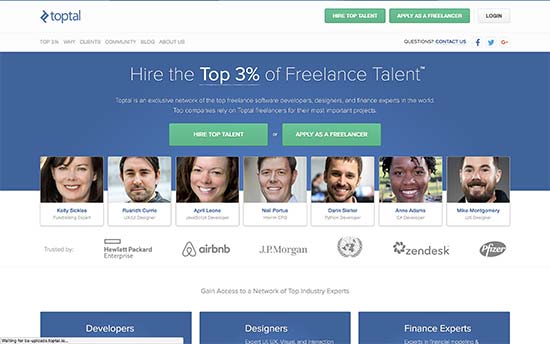
Toptal is an exclusive network of the top freelance software developers, designers, and finance experts in the world.
They have a very rigorous screening process to only work with the best talent in the world. This also means that hiring a freelancer from Toptal will cost you more than normal.
Our users have reported great results when working with developers from Toptal.
Since Toptal only highlights the best talent, the rates for each expert is higher than other sites. However we have found that several experts are also available for hire on other networks where their rates are a lot lower.
If you’re willing to do the leg work, then you will save yourself a lot of money while working with a top-notch WordPress developer.
3. Upwork
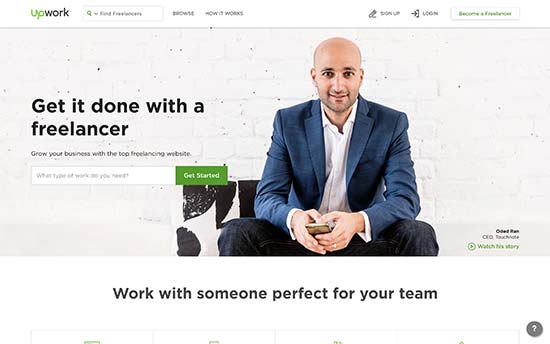
Upwork is one of the largest online jobs marketplace. You can post a job online with detailed description and prospective candidates can bid for your job.
Each developer have detailed profile and Upwork shows you several indicators about their past experience, jobs completed, ratings, skill tests, and more.
You can select the best developers and interview them. Platforms like Upwork usually have all levels of developers with varying skills and experience. This also means that you can find the balance between your budget and the developer you want to hire for the job.
4. Freelancer
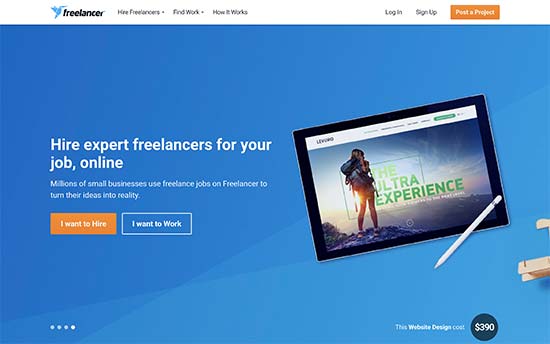
Freelancer.com is another very large online jobs marketplace. Similar to other such platforms, it has a large community of freelancers including WordPress developers.
Freelancer does maintain a detailed profile of each freelancer that you can review. You can also interview and communicate directly with the freelancer to learn more about their skills and experiences.
For each job listing, you will get responses from all levels of freelancers. While this means you can get a good developer at lower rates, it also means that you will have to do the due diligence.
5. WPhired
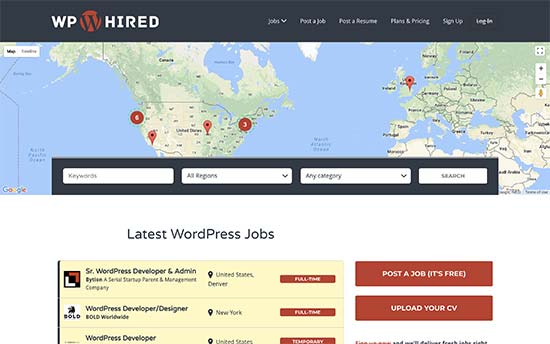
WPhired is a WordPress specific job board popular among top WordPress companies and freelancers. It allows you to add your job listing for free. However, you can subscribe to paid listings to get your job featured or listed for longer period of time.
You can add part-time, full-time, and freelance gigs as well. Developers can submit their resume by creating an account. However, platform also allows users to apply for the job without creating an account. This leaves all the screening and due diligence work up to you.
6. WordPress Jobs
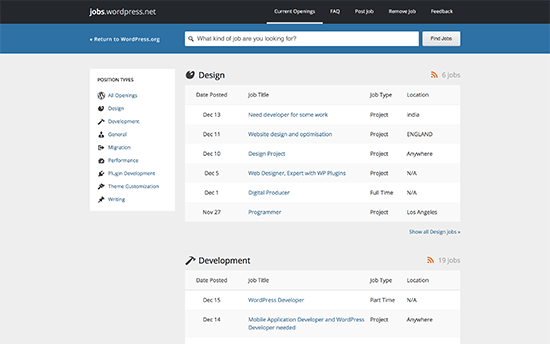
WordPress Jobs website is an officially maintained jobs board by the folks behind WordPress.org. Job postings are free and you don’t even need to create an account.
Job listings are neatly organized into categories. Interested developers can contact you using the method described by you in the job listing. You can then proceed to evaluate them on their own. WordPress.org doesn’t verify job listings and has no control on what kind of developers contact you.
We hope this article helped you find the best places to hire WordPress developers. You may also want to see our list of the must have WordPress plugins for business websites.
If you liked this article, then please subscribe to our YouTube Channel for WordPress video tutorials. You can also find us on Twitter and Facebook.
The post 6 Best Places to Hire WordPress Developers appeared first on WPBeginner.
from: WPBeginner
via Editorial Staff
Source: 6 Best Places to Hire WordPress Developers Via Business Advice.
Comments
Post a Comment