Are you looking for the best accordion plugins? An accordion is a neat web design technique which allows you to display content in collapsible tabs. In this article, we have hand-picked the 7 best WordPress accordion plugins that you can use on your website.
Why Do You Need to Add Accordions in WordPress?
Accordions allow you to display more content on your posts and pages without adding long scrolls. If you want to shrink the length of a page, then you should consider adding your content in an accordion element.
You can add vertical or horizontal accordions with the text inside each tab. When users click or mouseover on the tab, it expands to reveal the content.
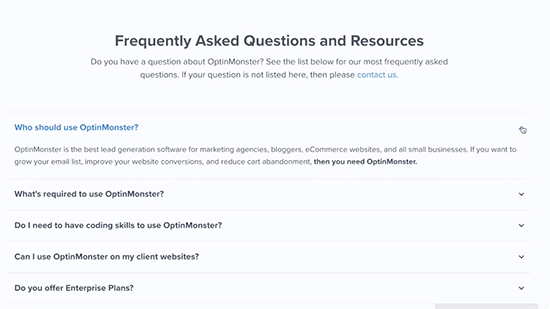
Accordions are most commonly used to add a frequently asked questions (FAQs) section, by displaying questions as tabs. However, you can use them to add any kind of content where you want to save users from scrolling.
That being said, let’s take a look at some of the best WordPress accordion plugins that you can use on your WordPress website.
1. Accordion
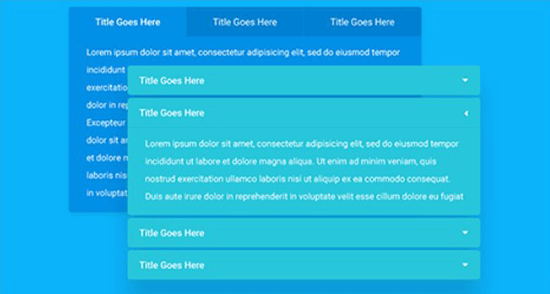
Accordion is a handy WordPress plugin which allows you to add beautiful accordions in your pages, posts, template files, and anywhere on your site using shortcodes. It has a responsive design and displays your content beautifully on all devices. Accordion has Font Awesome icon font support which allows you to use beautiful icons to your accordion tabs.
You can add unlimited accordions on your site using this plugin. It allows you to change styles for the opened and closed accordion, hide the accordion without deleting, text alignment for content, and more.
2. Accordion FAQ
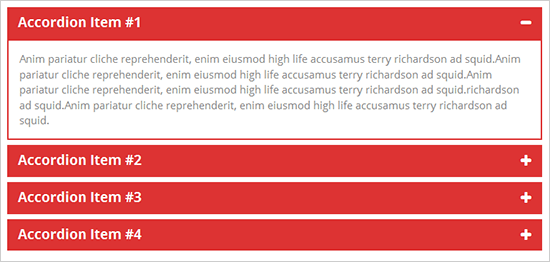
Accordion FAQ is another accordion plugin for WordPress sites. It has a drag and drop builder that helps you easily add accordions anywhere on your WordPress blog. You can sort the accordions and manage their placement by dragging them up or down in the backend.
It has multiple templates, unlimited color options, Font Awesome icons support, bootstrap framework for responsive design, and more. Accordion FAQ loads faster which is great for search engine rankings of your site.
3. Tab – Accordion, FAQ
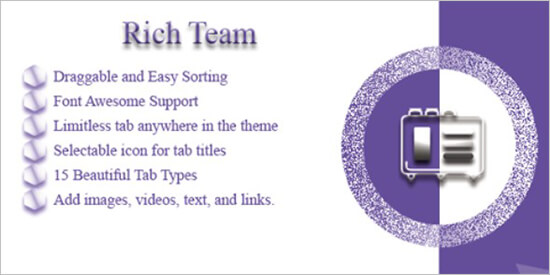
Tab, Accordion and FAQ is a WordPress plugin that allows you to add beautiful animated tabs and accordions in WordPress. You can easily add responsive horizontal, vertical, animated, and other accordions to WordPress posts, pages, and sidebar widget areas.
It has multiple transition effects, different layouts, drag and drop functionality for sorting tabs, and more.
4. Arconix Shortcodes

Arconix Shortcodes is a multipurpose WordPress plugin based on different style shortcodes to add tabs and accordions on your site. It displays your content in accordions and appears neatly on all mobile devices.
You can create unlimited accordions and add them anywhere with the help of shortcodes. The plugin also comes with a compatibility mode which allows you to prevent shortcode name conflicts.
5. Easy Accordion

Easy Accordion is another WordPress accordion plugin that allows you to set up unlimited accordions and add them on your pages, posts, widget areas, and template files.
If you buy their premium version, then it comes with additional features like advanced shortcode system, accordions from WordPress categories and custom taxonomies, themes, unlimited colors support, and more.
6. Shortcodes Ultimate
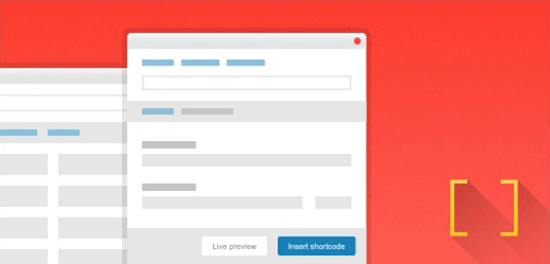
Shortcodes Ultimate is a comprehensive WordPress plugin that comes with a set of shortcodes to add multiple features. You can use this plugin to add accordions on your site with its 1-click shortcode insertion and live preview.
It has a custom widget that you can use to add the accordion in any widget area of your WordPress site. Shortcodes Ultimate is easy to use and functions smoothly with modern WordPress themes.
7. Smooth Accordion
Smooth Accordion is a simple WordPress accordion plugin. Like other accordion plugins, it allows you to add accordions on your pages and posts. Smooth Accordion adds an icon in your WordPress post editor that helps in adding the accordions in your posts and pages right away.
You can customize the background color, add custom styles to accordions, and align your content easily in plugin settings.
We hope this article helped you find the best WordPress accordion plugins. You may also want to see our ultimate step by step WordPress speed and performance guide for beginners.
If you liked this article, then please subscribe to our YouTube Channel for WordPress video tutorials. You can also find us on Twitter and Facebook.
The post 7 Best WordPress Accordion Plugins (2018) appeared first on WPBeginner.
from: WPBeginner
via Editorial Staff
Source: 7 Best WordPress Accordion Plugins (2018) Via Business Advice.
Comments
Post a Comment